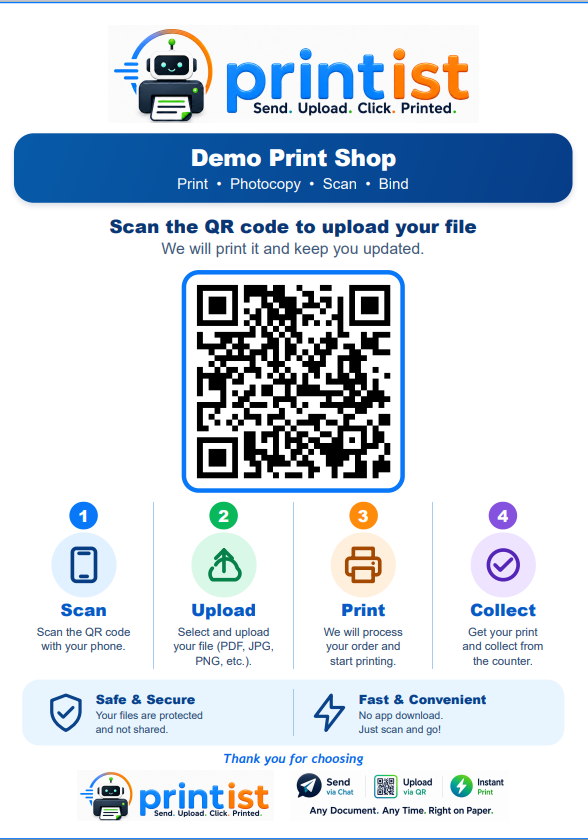
01
Scan
Customers scan the QR code displayed at a local print shop.
From scanning the shop QR to collecting the prints — six simple steps, with no app, no account and no phone number shared.
Customers scan the QR code displayed at a local print shop.
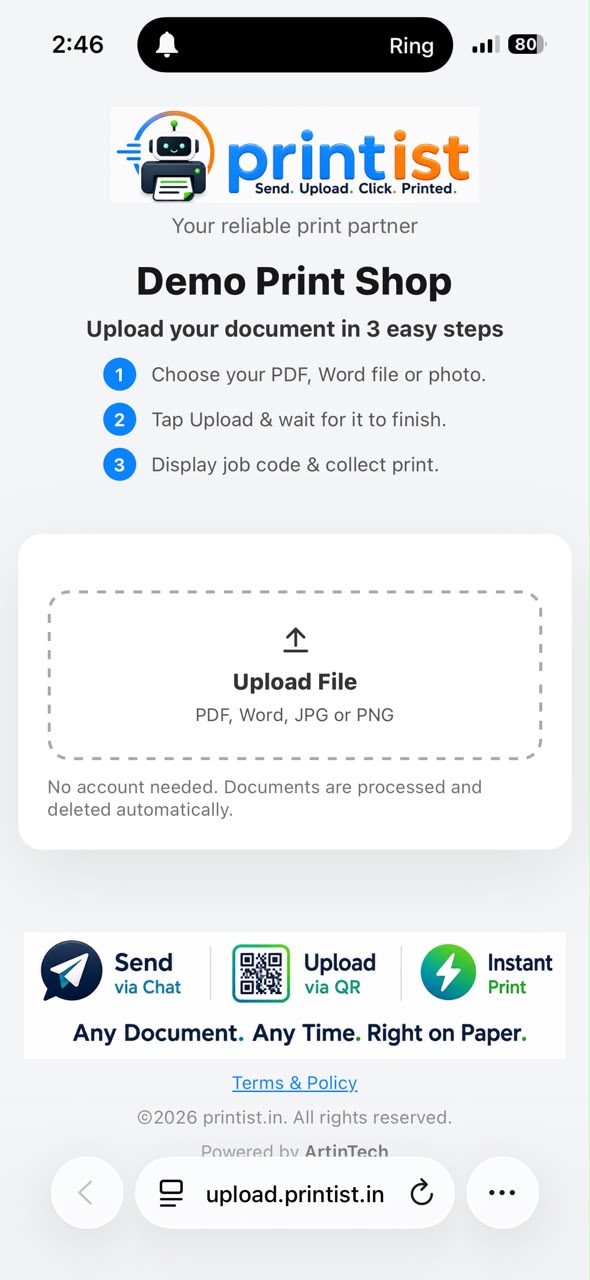
The shop's upload page opens directly in the phone's browser — no app installation or account required.
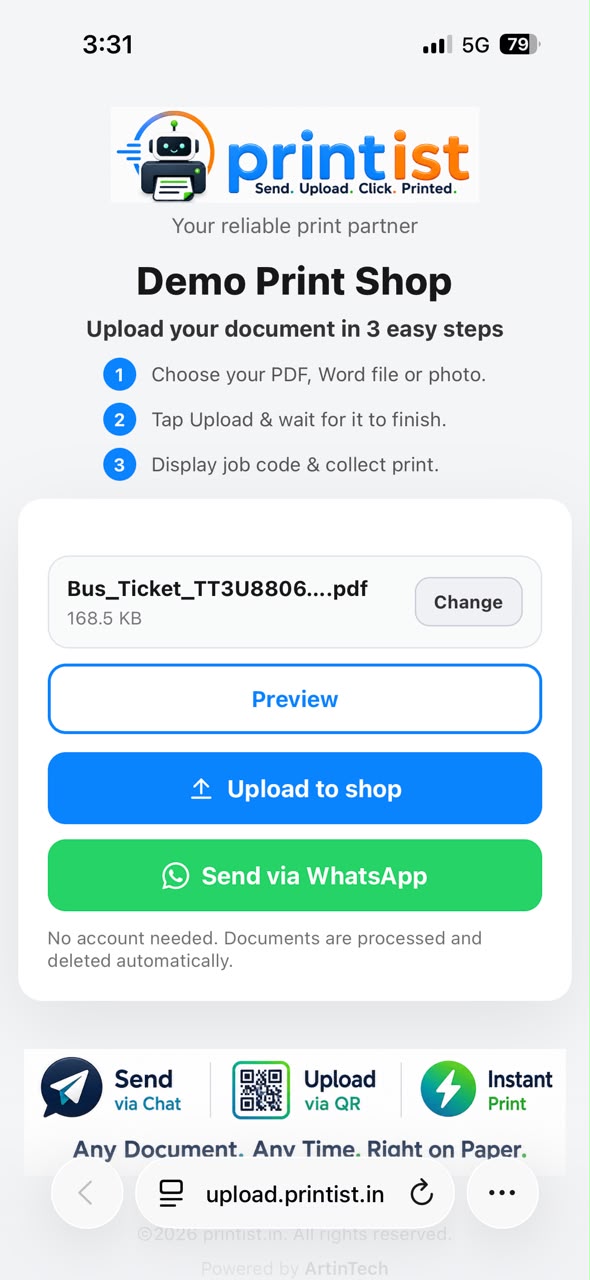
Select and upload documents directly from their phone's browser — no app installation or account required.
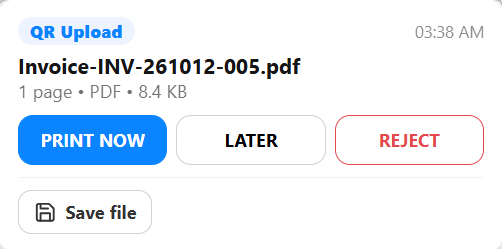
Sent files arrive on the shop owner's dashboard as a notification bubble and are also sent via WhatsApp.
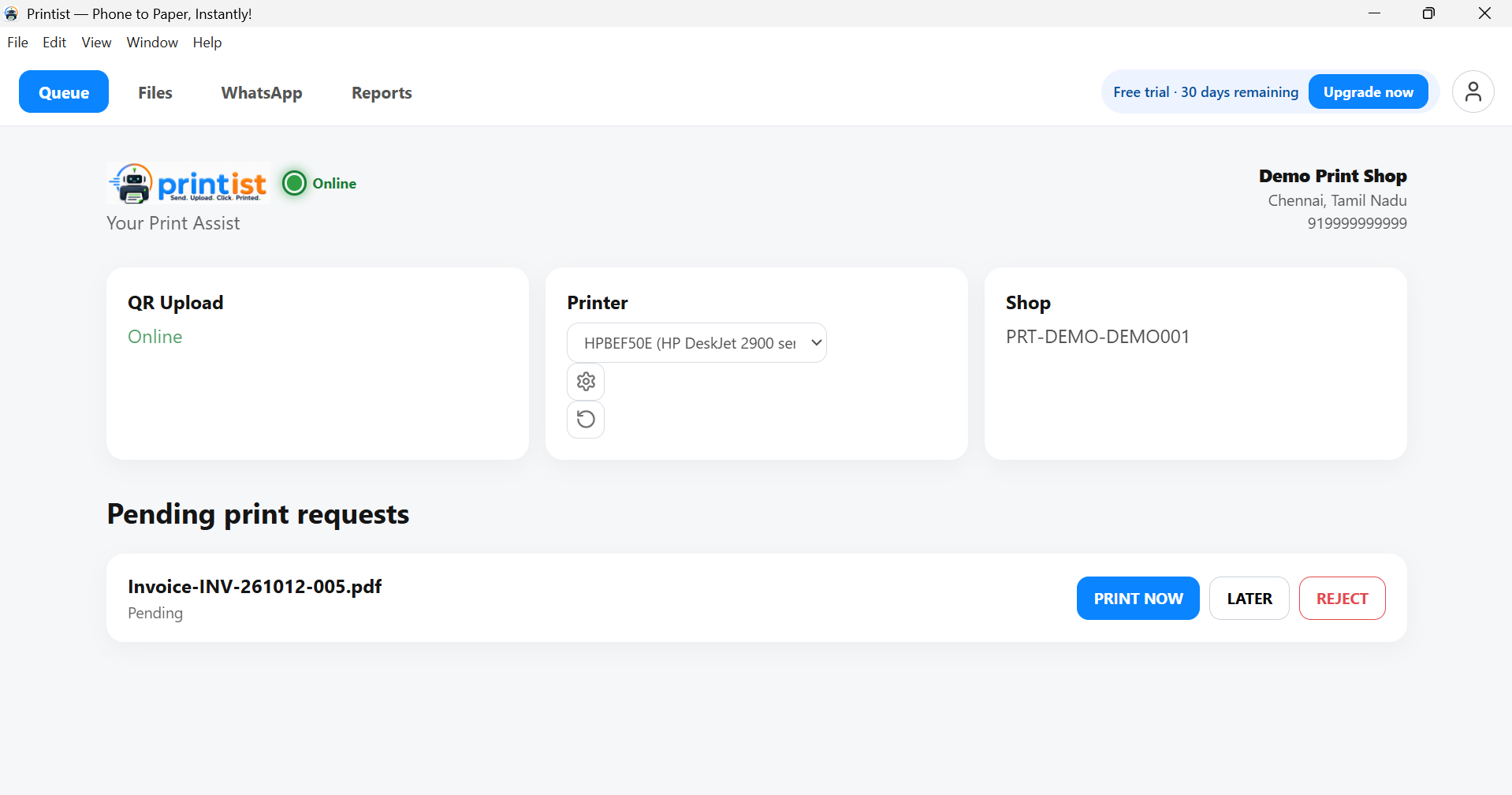
Shop staff receive the files, manage print jobs, and print the documents.
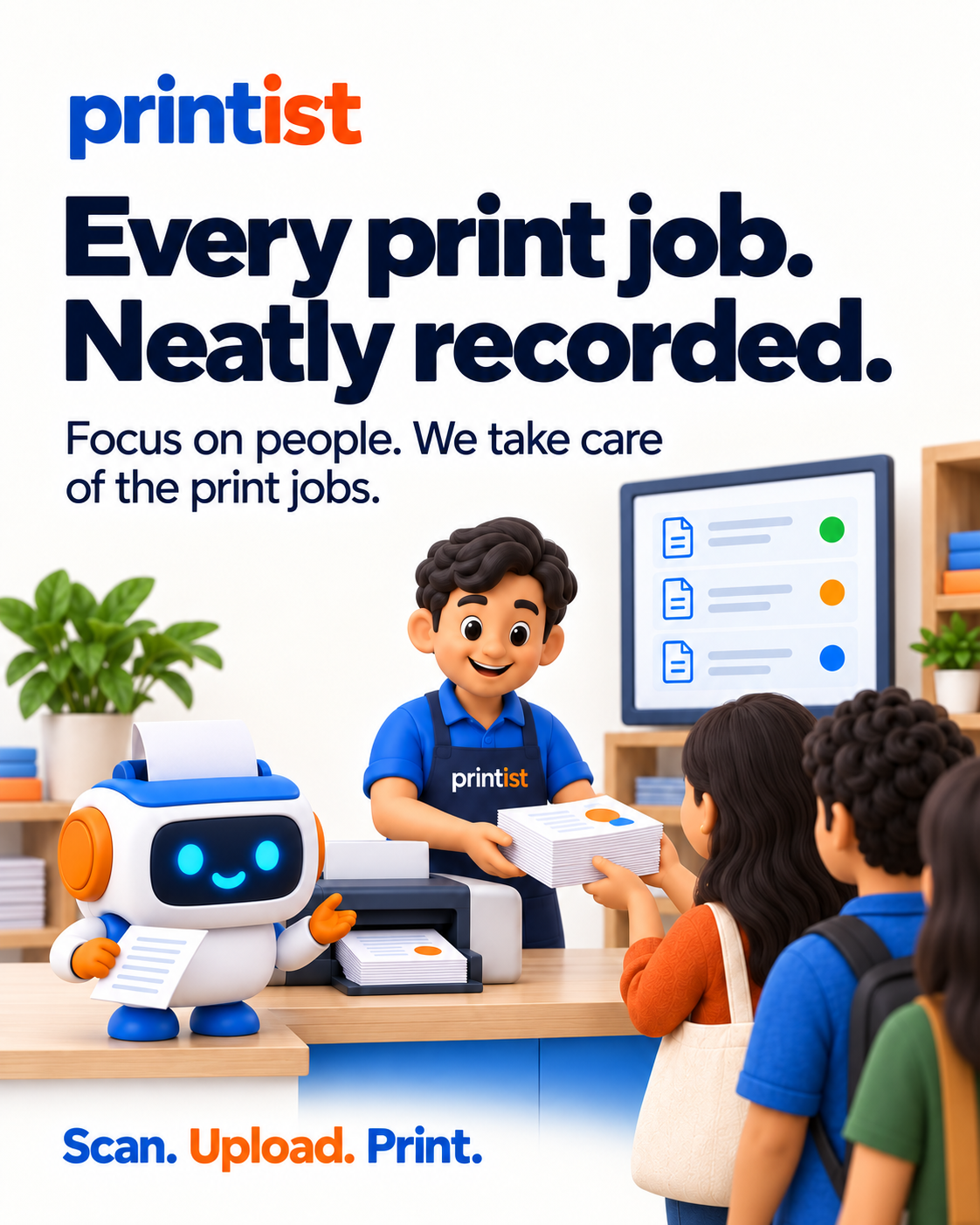
Customers collect their prints from the shop.
Create your account to provision the shop and get your QR, then install the desktop app on the shop computer. Your 30-day free trial starts when the first device connects.